Your Google Calendar.Your aesthetic.Plot It.
Choose a complete aesthetic and transform your calendar in just a few clicks.
Beautifully yours. See how Plot It handles permissions
From default to distinctly yours.
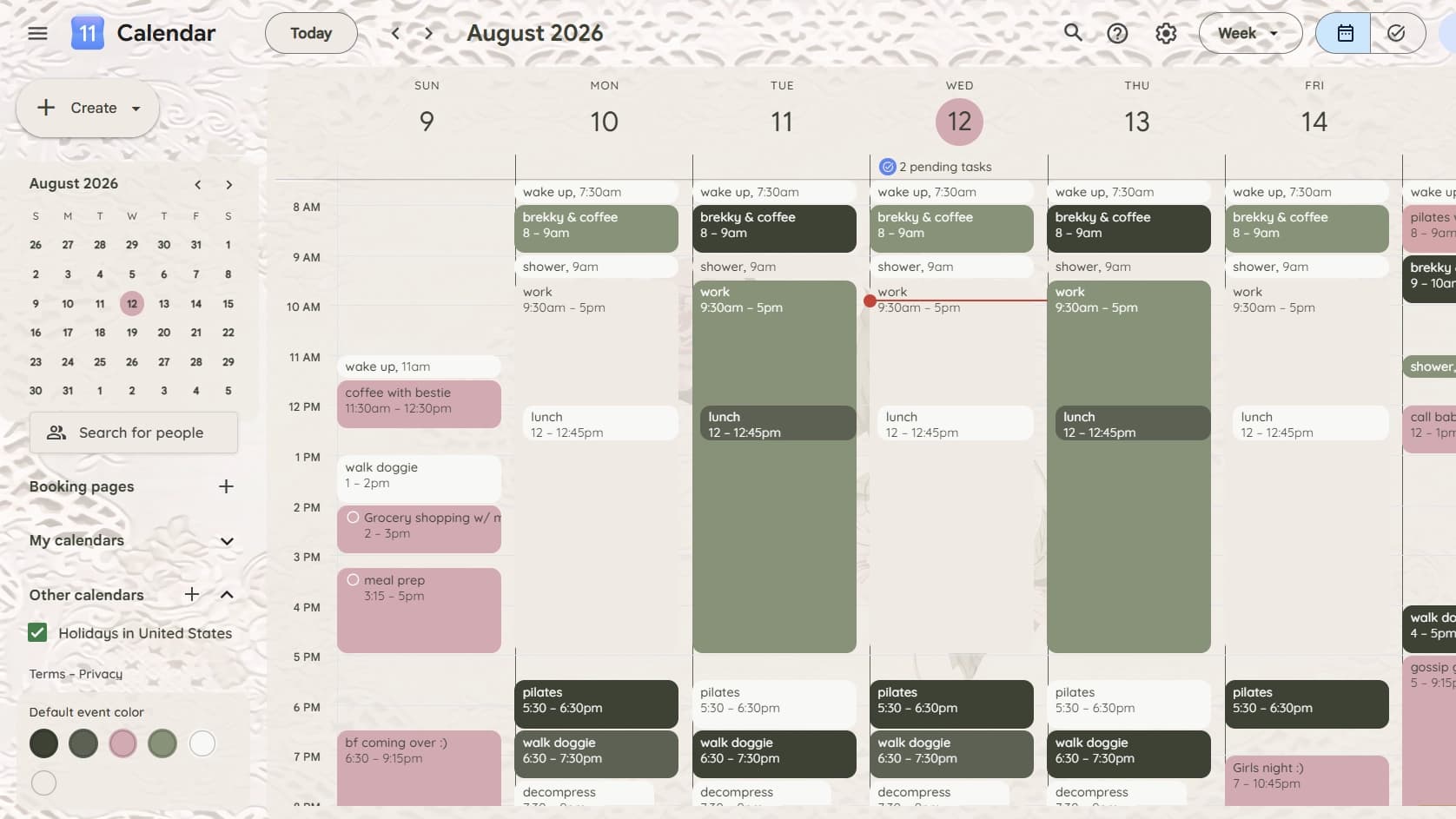
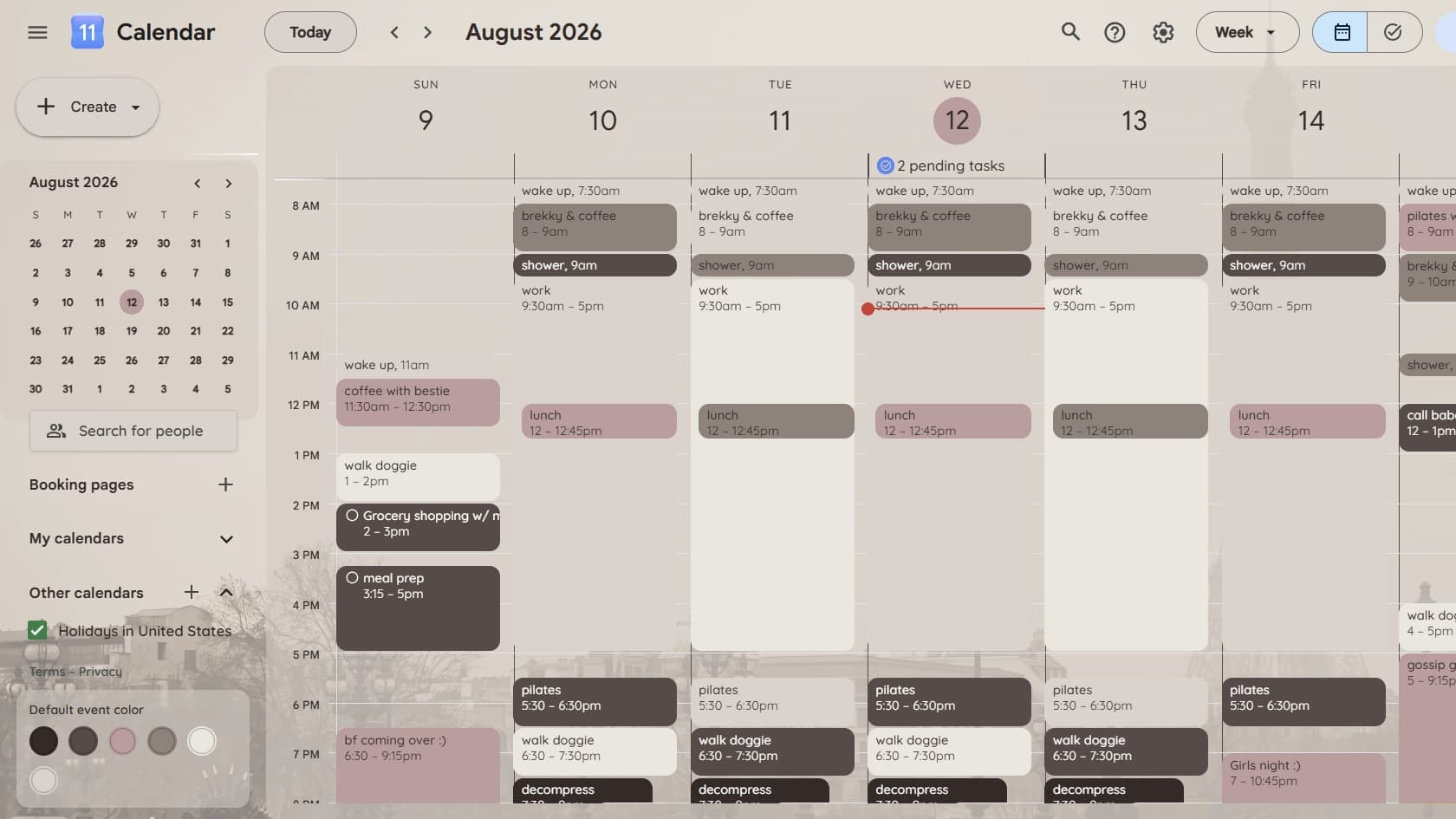
Preview Black Lace from the Coquette Pastel bundle.
Plot It.
Website preview only — your real calendar is untouched.
Pick a mood. Plot your week.
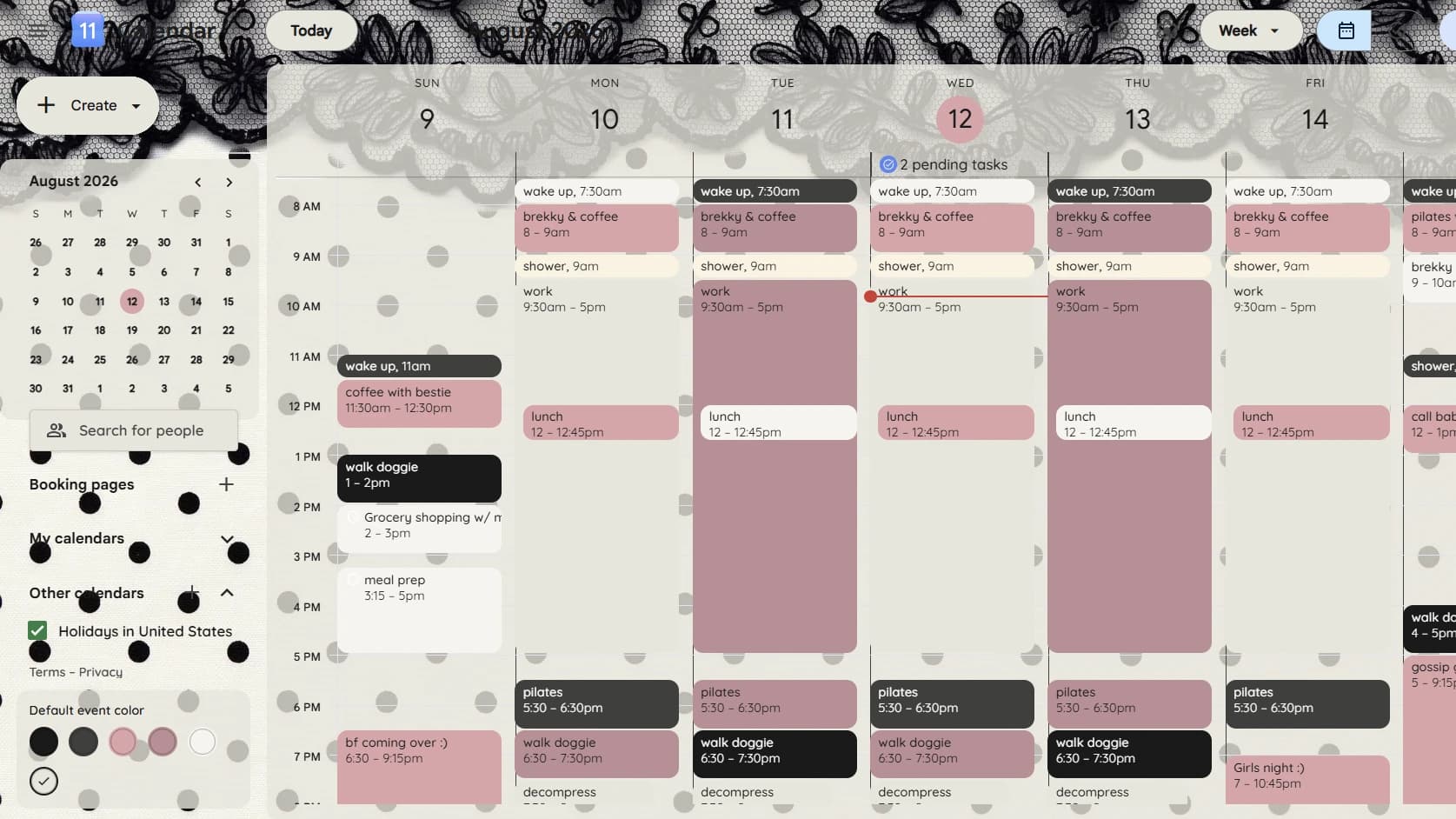
Coquette Pastel
From $4.99
For the soft-life planner who likes every deadline with a little romance.
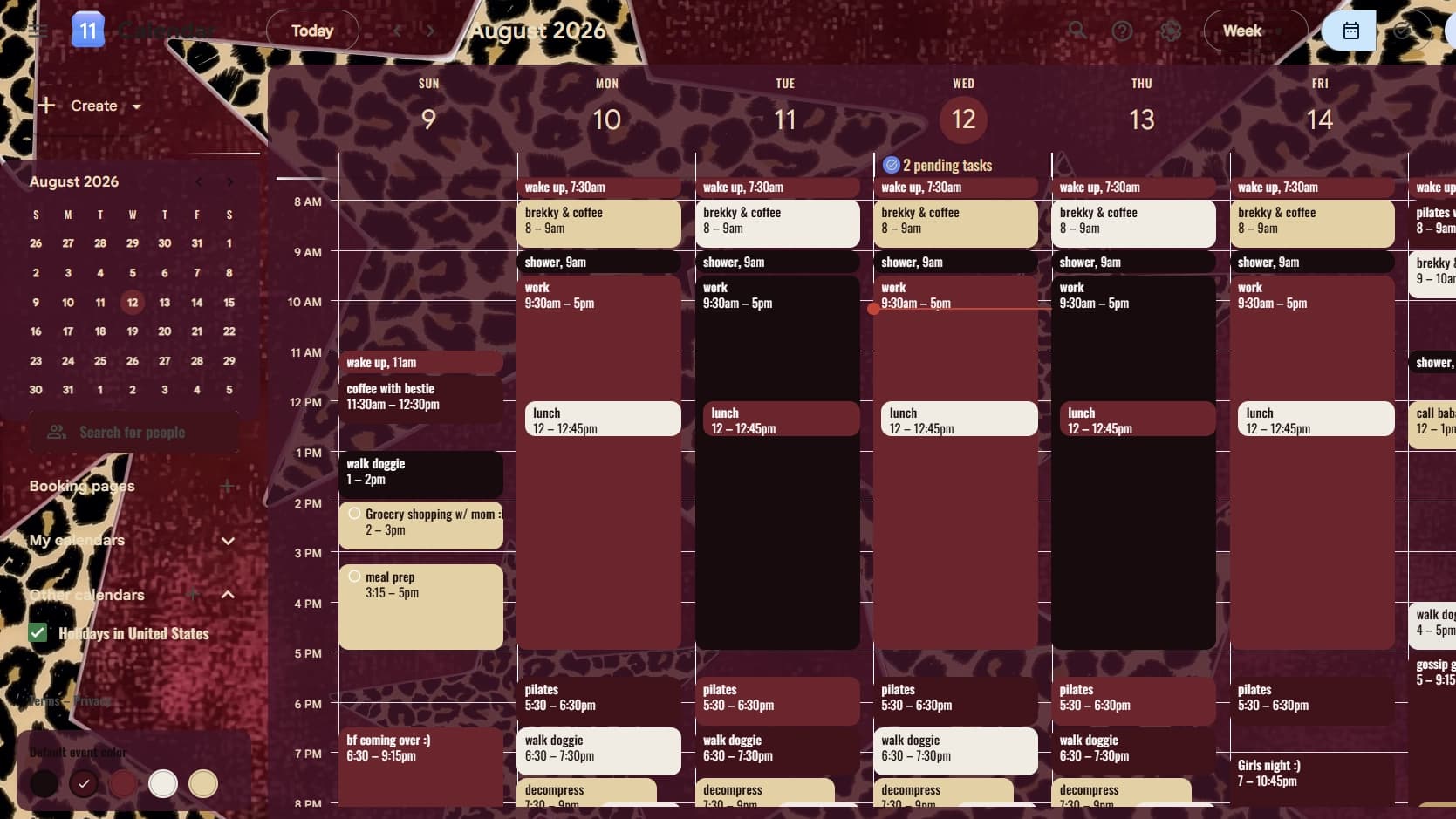
Rockstar
From $4.99
For the one who plans loudly, moves boldly, and makes midnight look organized.
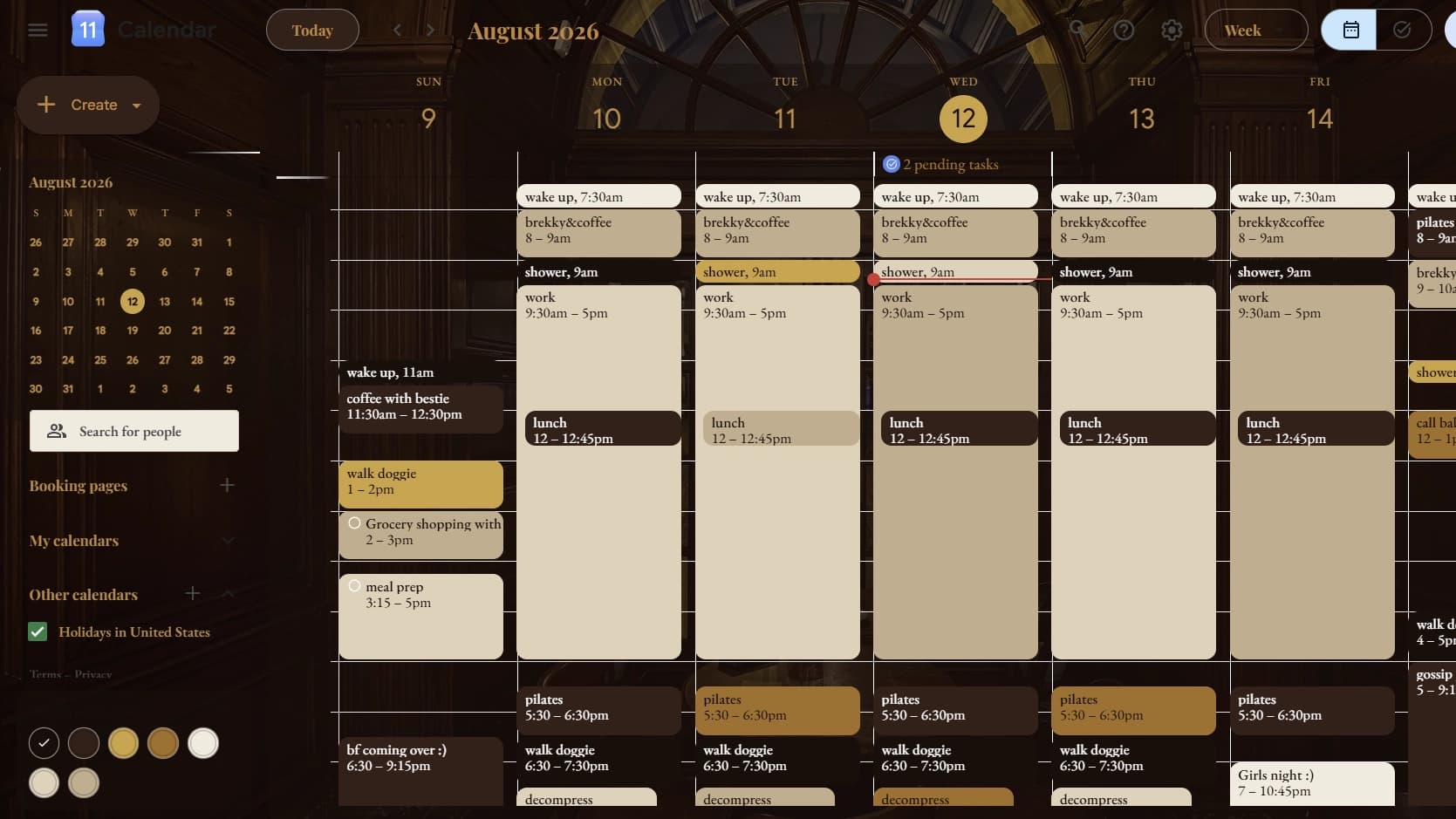
Dark Academia
From $4.99
For the deep-focus romantic turning study sessions into a ritual.
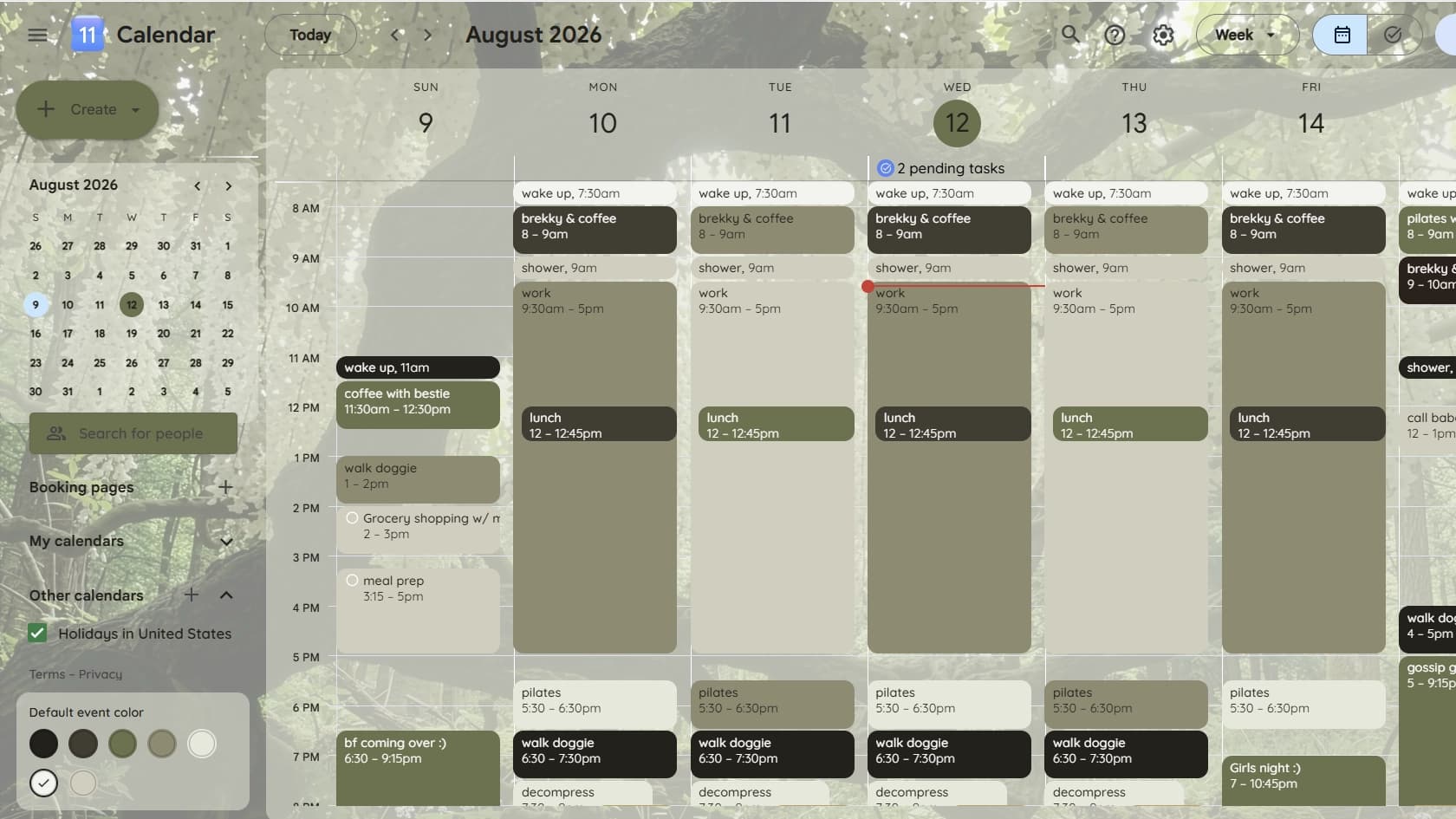
Soft Botanical
From $4.99
For the grounded planner who treats her week like a garden worth tending.Draft
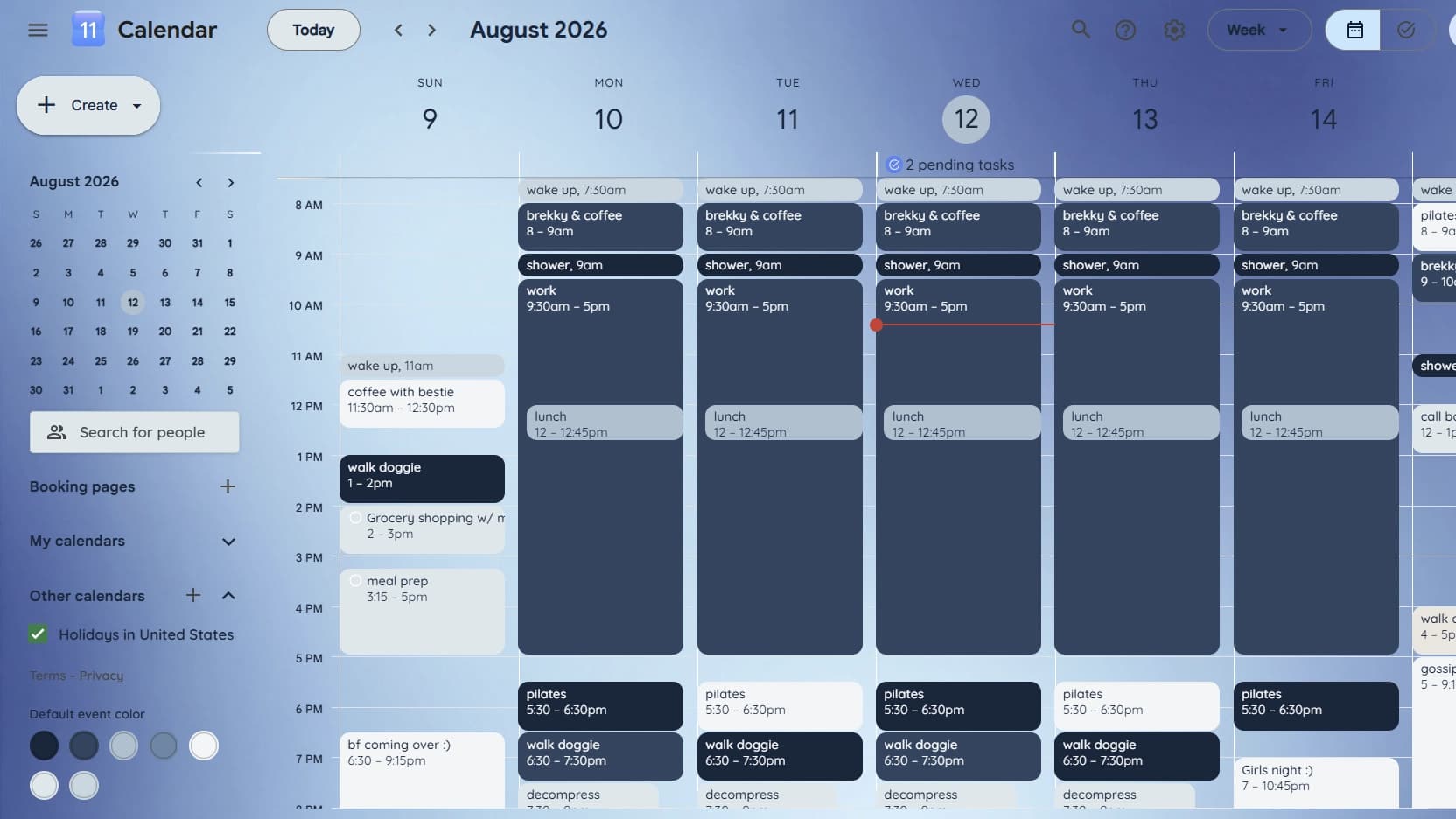
Gradient
From $4.99
For the dreamer who wants her week to feel like a soft-focus photograph.Draft
How It Works
Choose your aesthetic
Preview your favorite style
Plot It and transform your calendar
Not sure where to start? Let your mood choose.
Take the Mood Quiz.Simple, one-time pricing.
No subscriptions — buy a style once, keep it for good.
One Style
$4.99 one-time
One selected calendar style.
- One calendar style of your choice
- Full palette, fonts, and illustration
- Instant, one-time purchase
Full Bundle
$11.99 one-time
All three styles in one aesthetic.
- All three styles in one aesthetic
- Switch between them anytime
- Best value per style
Try Plot It for 14 days. If it isn't right for you, contact us with your order number for a refund. Refunded access may be deactivated. Refund Policy
Your schedule stays yours
Beautifully yours. See how Plot It handles permissions
- No calendar events are read, stored, or sent anywhere.
- No account or sign-up — nothing to create, nothing to lose.
- Access is limited to calendar.google.com and local browser storage.
Frequently asked questions
Plot It is a Chrome extension that restyles Google Calendar with a complete aesthetic — a color palette, font pairing, and illustrated backgrounds — so your calendar looks like you, not like default Google Calendar.
- Install the Plot It extension, then browse the five aesthetic bundles and preview any style right on the site.
- Found one you love? Check out to get a license code.
- In Chrome, click the puzzle-piece icon in the top-right toolbar, find Plot It in the list, and click it to open the popup.
- Paste your code in — your style applies instantly on calendar.google.com. No account or sign-up required, just your code.
Day, Week, Month, 4-Day, and Schedule view are all themed — they share the same underlying calendar grid, so styling applies consistently across them.
Yes — open the Plot It popup and choose a different style, or select "No theme" to go back to the default Google Calendar look. Changes apply instantly, no reload or reinstall needed.
No. Plot It only injects CSS to change how Calendar looks — it doesn't read, store, or transmit your events or any other calendar data.
Just two: access to calendar.google.com (to apply the styling) and local browser storage (to remember which style you've picked). It doesn't request access to your Google account, email, or any other site.
Why does Plot It need permission?One Style unlocks a single calendar style. The Full Bundle unlocks all three styles within one aesthetic (e.g. all of Dark Academia) for one price, so you can switch between them freely.
Try Plot It for 14 days. If it isn't right for you, contact us with your order number for a refund. Refunded access may be deactivated.
Read the full Refund PolicyPlot It is a Chrome browser extension, so it runs on desktop and laptop Chrome. Chrome extensions aren't supported on Chrome for Android or iOS, so Plot It can't apply to the mobile Calendar app or mobile browser.